Best Running Apps with Heart Rate Zones 2026
Best Running Apps with Heart Rate Zones 2026
You've started hearing about Zone 2 training. You want to build your aerobic base, do threshold intervals, and stop guessing whether you're actually working hard enough. You pull up your run log and see pace, distance, time. No zones. No HR breakdown. Just miles that don't tell you much about how your body actually responded.
Heart rate zone training turns every run into structured data. Knowing whether you spent 45 minutes in Zone 2 or accidentally drifted into Zone 3 is the difference between a recovery run and accidental overtraining. We reviewed six apps that handle HR-zone training on iPhone and Apple Watch - here are the best options for 2026.
The best running apps for heart rate zone training in 2026 are: 1) Garmin Connect for full HR-zone coaching with live watch guidance, 2) Polar Flow for HR-zone structure with FitSpark daily training suggestions, 3) Apple Watch + Zones for Training for clean Zone 2 tracking on iPhone, 4) Runify for ranked run tracking that pulls in HR-aware workouts from Garmin and Apple Watch, 5) Strava for HR-zone analysis and training load on a social platform, and 6) Apple Fitness+ for guided workout content tied to heart rate zones. Garmin Connect leads for runners who want their watch to actively guide them through zone-targeted sessions.
1. Garmin Connect - Best for Full HR-Zone Coaching
Garmin Connect is the gold standard for heart rate zone training in 2026. If you own a Garmin watch, the app delivers everything from live zone alerts on your wrist to post-run zone breakdowns, training load, and VO2 max tracking. No other app on this list pushes HR-zone guidance to your wrist during the run itself with the same depth.
Why Garmin Connect Stands Out
Garmin watches broadcast live HR-zone alerts during your run - your watch buzzes and displays which zone you're in as you move. Post-run, Garmin Connect shows time-in-zone charts, aerobic and anaerobic training effect, and recovery time estimates. The data depth is unmatched for any runner taking HR training seriously.
Garmin Connect links your HR data to long-term training load and body battery tracking. You can see whether your Zone 2 volume is building your base over weeks, not just run by run. This longitudinal view separates Garmin from simpler zone apps.
If you want a companion app rather than just an alternative, our Garmin Connect alternatives breakdown covers what to pair alongside it.
Key Features
- Live HR Zone Alerts: Your Garmin watch buzzes and displays your current zone during runs.
- Time-in-Zone Charts: Post-run breakdown showing exact minutes in each of the five HR zones.
- Training Load & Recovery: Aerobic/anaerobic training effect plus estimated recovery time after every session.
- VO2 Max Tracking: Estimated VO2 max updated with each run, with trend history over months.
- Custom HR Zones: Set zones by percentage of max HR or lactate threshold HR.
Pricing
Garmin Connect is free. Garmin Connect+ (the premium tier) costs $6.99/month or $69.99/year. The free tier covers all core HR zone features - zones, charts, training load, and analytics. Connect+ adds AI-powered training insights, personalized coaching programs, and expanded LiveTrack sharing.
Best For
- Runners who own a Garmin watch and want live zone guidance during runs
- Runners building aerobic base with Zone 2 and tracking progress over months
- Data-driven athletes who want VO2 max, training load, and recovery all in one place
Limitations
- Requires a Garmin watch to get live zone alerts. The iPhone app alone is a dashboard, not a live coach.
- Connect+ paywall received heavy criticism when launched - core features remain free, but some users felt the subscription was aggressive.
- No leaderboards or social motivation beyond Strava-like activity feeds.
2. Polar Flow - Best for HR Zone Structure with Daily Guidance
Polar built its reputation on heart rate accuracy, and Polar Flow remains one of the best apps for runners who train by HR rather than pace. The app delivers detailed zone breakdowns after every run and connects to the optional FitSpark feature, which suggests daily workouts based on your recovery and fitness level.
Key Features
- Five-Zone HR Analysis: Clear post-run breakdown of time spent in each of Polar's five training zones.
- FitSpark Daily Training Guide: On-demand workout suggestions adapted to your recovery status and training history.
- Training Load Analysis: Cardio load and muscle load tracking to balance hard and easy days.
- Apple Health Sync: Polar watches sync data to Apple Health and Polar Flow on iPhone.
- Custom HR Zones: Set zone boundaries manually or let Polar calculate them from your HR data.
Pricing
Polar Flow is free to download and use on iPhone. The optional Fitness Program (personalized adaptive training plans) costs around $11/month with a 14-day free trial. FitSpark daily guidance is available without a subscription for Polar watch owners.
Best For
- Polar watch owners who want structured zone-based daily guidance
- Runners focused on recovery-aware training, not just raw zone data
Limitations
- Full experience requires a Polar watch. iPhone-only users get limited functionality.
- Less community and social features compared to Strava or Garmin Connect.
3. Apple Watch + Zones for Training - Best for iPhone-Native Zone Tracking
If you run with an Apple Watch, you already have HR zone tracking built in through watchOS. The "Zones for Training" app by Flask LLP layers a clean, purpose-built zone interface on top of Apple Watch's native HR data. It shows real-time zone status on your wrist during runs and post-workout time-in-zone summaries on your iPhone.
For runners building a Zone 2 base on Apple Watch without a Garmin or Polar device, this is the most accessible option in 2026. Our Apple Watch running apps guide covers how this fits into a broader Apple Watch running setup.
Key Features
- Live Zone Display: Apple Watch taps your wrist when you change zones. See your current zone at a glance.
- Time-in-Zone Summary: Post-workout breakdown across all zones pulled from Apple Watch HR data.
- 70+ Workout Types: Supports running, cycling, treadmill, and more beyond just running.
- Apple Health Integration: All data reads from and writes to Apple Health automatically.
- Custom Zone Boundaries: Edit zone boundaries to match your own max HR or a specific HR methodology.
Pricing
Zones for Training offers a free tier covering basic zone display. The Pro upgrade unlocks weekly, monthly, and yearly zone stats, custom insights, five-zone custom workouts, and advanced analytics. Pro is available as a one-time purchase around $5 (pricing may vary by region).
Best For
- Apple Watch runners who want clean, visual Zone 2 tracking without a Garmin or Polar
- Runners who want HR zone data without a monthly subscription
Limitations
- Relies entirely on Apple Watch HR accuracy, which can drift during high-intensity efforts.
- No coaching or training plan structure. It tracks zones but does not plan sessions.
- No social features or leaderboards.
4. Runify - Best Tracking Layer for HR-Aware Runs
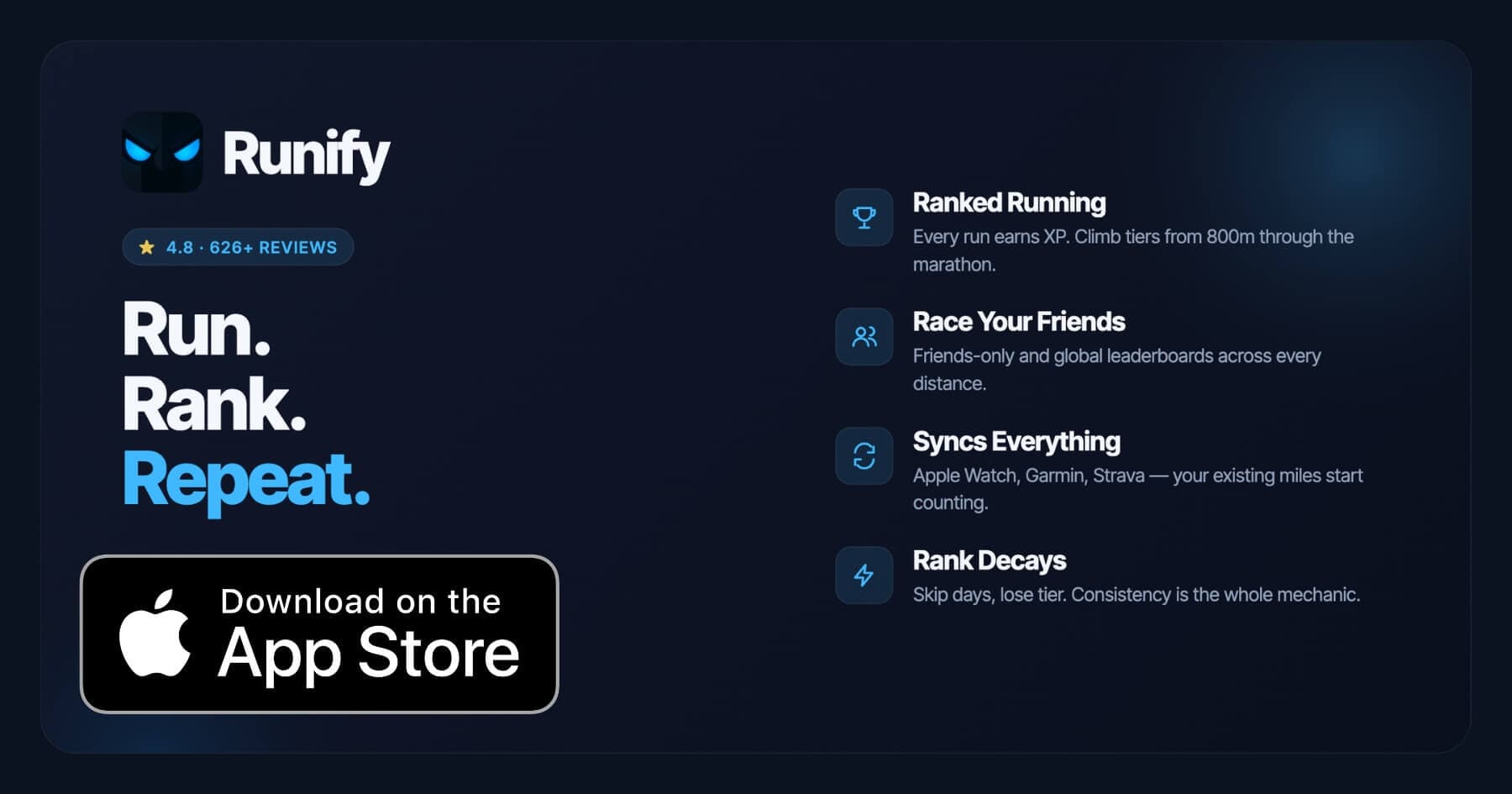
Runify is not a heart rate coaching app. It does not deliver live zone guidance, structured HR workouts, or real-time run cues. What Runify does is sit alongside your HR-focused training as a ranked tracking and motivation layer, turning the runs you complete with Garmin or Apple Watch into XP, rank progression, and leaderboard standing.
Every run you sync from Apple Watch, Garmin, or Strava counts toward your Runify Rank. Log a Zone 2 long run on Garmin, sync it to Runify, and that run earns XP, moves your rank, and appears on your friends and global leaderboard. With 100,000+ runs logged across the community and a 4.8-star App Store rating from 626+ reviews, Runify adds the competitive accountability layer that pure zone apps lack.
If you're training for a specific race alongside your HR zone work, our best running apps for marathon training guide shows how Runify fits into a full race build.
Key Features
- Ranked Progression System: XP from every run feeds an overall Runify Rank. Post-run rank-up reveals make accountability visible, and rank decay after inactivity keeps you honest.
- Friends & Global Leaderboards: Compete across 800m, 1K, 5K, 10K, half, and marathon. Switch between overall rank and distance-specific ladders.
- Apple Watch, Garmin & Strava Sync: Bulk-import past runs from HealthKit, Garmin Connect, or Strava. New runs auto-detect. Your zone-targeted runs keep counting.
- In-App GPS Tracking: Live GPS with time, distance, pace, and route. 99.5% GPS routing accuracy, rich post-run summary with splits and photos.
- Shareable Run Recaps: Auto-filled templates with one-tap Instagram Stories sharing and rank cards.
- Streaks & Smart Reminders: Streak tracking, inactivity nudges, and post-run motivational notifications.
Pricing
Monthly: $4.99/month (no free trial). Annual: $39.99/year with a 7-day free trial. Pro unlocks distance-specific leaderboards and expanded profile/history views (weekly, monthly, yearly, all-time stats).
Best For
- Runners who already use Garmin or Apple Watch for zone training and want their miles ranked
- Athletes who need social accountability and leaderboard competition to stay consistent
- Runners tracking progress across 5K, 10K, half, or marathon distances
Limitations
- iOS only. Android is not available today.
- Not a heart rate coaching app. No live zone guidance, structured HR plans, or in-run coaching cues.
- No map-based route finding, race calendar, or event sign-up features.
5. Strava - Best for HR Zone Analysis on a Social Platform
Strava added Training Zones as a premium feature, letting subscribers see time-in-zone charts for HR, power, and pace after every activity. The social layer - Kudos, segment leaderboards, club feeds - gives context to your zone work that pure HR apps lack. You can see how your Zone 2 long run compares to club members' training weeks.
Key Features
- Training Zones Dashboard: Weekly and monthly views of time spent across HR zones with trend charts.
- Custom HR Zones: Set max HR or lactate threshold to calibrate zone boundaries.
- Suffer Score: Relative effort score weighted by time in each HR zone.
- Segment Leaderboards: Compare your effort on specific routes against your own PRs and the community.
- Strava Beacon: Live location sharing during runs for safety.
Pricing
Strava is free for basic tracking. Strava Premium (required for Training Zones and HR analysis) costs $7.99/month or $79.99/year.
Best For
- Runners who want HR zone analysis alongside a large social community
- Athletes who already use Strava for segments and want to add zone data without switching apps
Limitations
- HR zone features are locked behind the $7.99/month paywall.
- No live zone alerts during runs. Zone analysis is post-run only.
- Training zone features less sophisticated than Garmin Connect for serious HR-focused training.
6. Apple Fitness+ - Best for Guided Workouts Tied to HR Zones
Apple Fitness+ is a workout subscription service that shows your real-time heart rate and zone on screen during guided workout videos. For runners who cross-train with strength, HIIT, or yoga alongside their runs, Fitness+ connects all of it to Apple Watch HR data in a single app.
The zone display during Fitness+ workouts shows where you are relative to your personal zones, calibrated automatically from your Apple Watch health data. It does not offer outdoor running-specific zone coaching, but as a cross-training companion for interval work and recovery sessions, it covers ground the other apps on this list do not.
Key Features
- Real-Time HR Zone Display: Live zone overlay during all guided workout videos on iPhone or Apple TV.
- Apple Watch Integration: HR data flows directly from watch to screen with no manual setup.
- Cross-Training Library: Strength, HIIT, yoga, cycling, rowing, and more alongside running content.
- Automatic Zone Calibration: Zones calculated from your age and health data, editable manually.
- Offline Downloads: Download workouts for use without a connection.
Pricing
Apple Fitness+ costs $9.99/month or $79.99/year. Included with Apple One Premier plan. Free trial available with purchase of select Apple devices.
Best For
- Apple Watch users who want guided cross-training sessions tied to live HR zone data
- Runners who complement running with structured strength and HIIT work
Limitations
- No outdoor running-specific zone coaching or route guidance.
- Full functionality requires Apple Watch. iPhone-only users see limited HR data.
- No social features or community leaderboards.
How to Choose the Best Heart Rate Zone App
Six solid options exist, and the right choice depends on your setup and goals. Here are the key questions to work through.
-
Do you own a Garmin watch? If yes, Garmin Connect is the clear first choice. Live zone alerts on your wrist during a run are the most direct form of zone guidance available on any platform. Start there before adding anything else.
-
Are you Apple Watch-only? Zones for Training gives you clean Zone 2 tracking with a one-time purchase. Apple Fitness+ covers cross-training with live zone overlays. For outdoor running GPS with zone data, Apple Watch's native workout app feeds into both.
-
Do you want structured coaching or just tracking? Garmin Connect+ and Polar Flow's Fitness Program offer zone-targeted training plans. Zones for Training, Runify, and Strava track what you do but do not plan your sessions.
-
Is social motivation important? Strava's social layer and Runify's leaderboards serve very different needs. Strava gives community segments and Kudos. Runify gives XP, ranks, and competitive tier standings across benchmark race distances.
-
What is your budget? Zones for Training is the most affordable at around $5 one-time. Garmin Connect core features are free. Strava, Apple Fitness+, Polar Fitness Program, and Garmin Connect+ all carry monthly or annual subscriptions ranging from $7 to $12 per month.
Frequently Asked Questions
What is the best running app for heart rate zone training in 2026?
Garmin Connect is the top pick for runners who own a Garmin watch. It delivers live zone alerts on your wrist during runs, post-run time-in-zone charts, training load analysis, and VO2 max tracking - all in a single app. The core features are free, with an optional Connect+ subscription at $6.99/month for AI coaching and expanded insights. Polar Flow is the runner-up for Polar watch owners. For Apple Watch runners without Garmin, Zones for Training offers clean Zone 2 tracking at a low one-time cost.
Is there a free app for heart rate zone training?
Yes. Garmin Connect's core zone features - live alerts, time-in-zone charts, and training load - are free for Garmin watch owners. Zones for Training has a free tier covering basic zone display on Apple Watch. Polar Flow is free to download; FitSpark daily guidance is included for Polar watch owners at no extra cost. Strava and Runify both offer paid tiers, but Runify includes a 7-day free trial on the annual plan at $39.99/year.
Can I sync Apple Watch or Garmin runs into a zone tracking app?
Yes. Garmin Connect pulls all Garmin watch data automatically. Zones for Training reads from Apple Watch via HealthKit. Strava accepts HR data from Apple Watch, Garmin, and Polar. Runify imports runs from Apple Watch, Garmin Connect, and Strava in bulk, then auto-detects new runs going forward. Runify does not analyze HR zones directly but preserves the HR data that your watch or Garmin already recorded.
What features should I look for in a heart rate zone running app?
Look for these when evaluating HR zone apps: live zone alerts during the run (not just post-run), customizable zone boundaries (max HR or lactate threshold), time-in-zone post-run charts, trend data over weeks and months, and device compatibility with your existing watch. Training load and recovery estimates add extra value for runners managing hard and easy days. Social or gamification layers like Runify's leaderboards or Strava's segments are useful if you need external motivation to stay consistent.
Does Runify track heart rate zones?
Runify does not offer live HR zone guidance or structured HR-zone coaching. It imports HR-aware runs from Apple Watch, Garmin, and Strava and counts those runs toward XP and rank. The HR data captured by your Garmin or Apple Watch is preserved in the synced run, but Runify does not analyze or display zone breakdowns. Use Garmin Connect or Zones for Training for zone coaching. Add Runify alongside those apps to turn your zone-targeted runs into ranked competition and visible accountability.
Final Verdict
Heart rate zone training has one clear app leader in 2026: Garmin Connect. If you run with a Garmin watch, it gives you the most complete experience - live zone feedback during runs, post-run analytics, and long-term training load data that actually helps you avoid overtraining or undertraining. The free tier covers everything most runners need.
For Apple Watch runners without Garmin, Zones for Training fills the gap at minimal cost. Polar Flow earns the second spot for Polar watch owners who want daily guidance built around their recovery. Strava adds HR zone analysis to its social platform, though the zone features are less sophisticated than Garmin's at a similar price point.
Runify fits into this group as the competitive accountability layer. Pair it with whichever zone-coaching app matches your watch. Your Garmin or Apple Watch handles the zone work. Runify turns every completed run - whether it was a Zone 2 long run or a threshold interval session - into XP, rank, and leaderboard standing that keeps you showing up week after week.
Start your 7-day free trial at Runify on the App Store and let your zone-targeted runs count toward something competitive.

4.8 on the App Store · Built for iOS